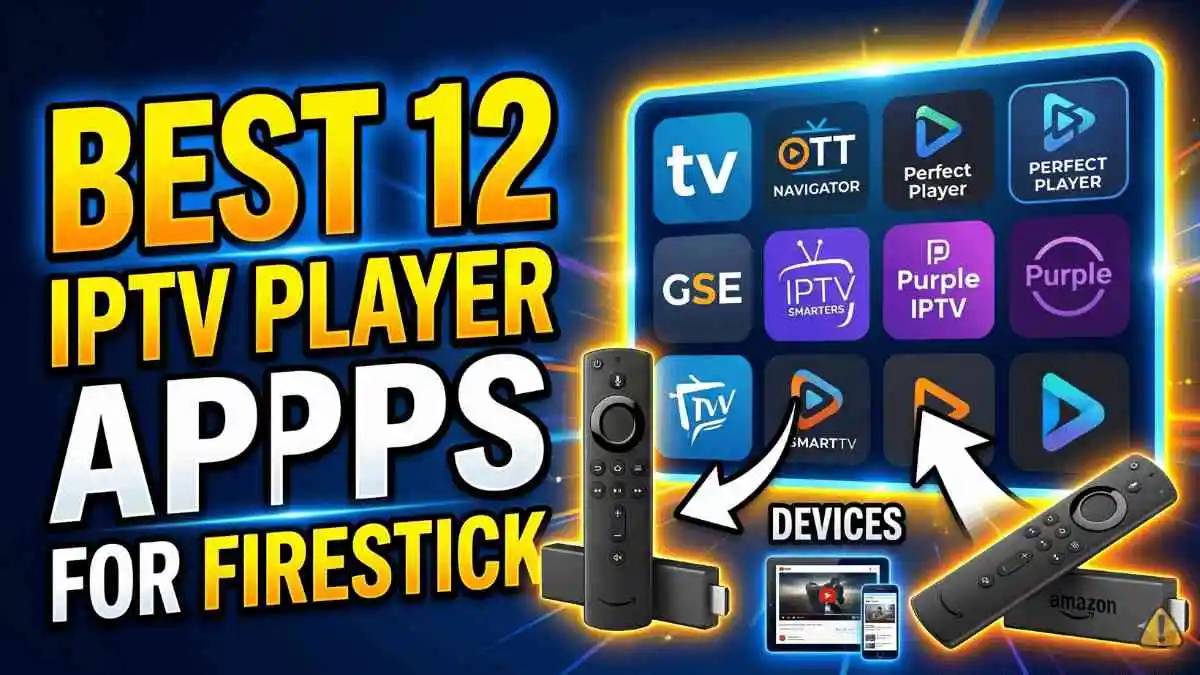
Your Amazon Firestick is one of the most popular streaming devices in the world, and pairing it with the right IPTV player app can completely transform your entertainment experience. In this guide, we break down the 12 best IPTV player apps available for Firestick in 2026, covering features, performance, and who each app is best suited for.
Not all IPTV players are created equal. Some are built for simplicity, while others offer advanced EPG support, multi-stream playback, and deep customization. Whether you are a casual viewer or a serious streamer, there is an app on this list that will work perfectly for you.
What to Look for in a Good IPTV Player for Firestick
Before diving into the list, it helps to know what separates a great IPTV player from an average one. The best apps share these qualities:
- M3U playlist support so you can load your subscription easily
- EPG (Electronic Program Guide) for on-screen TV schedules
- Stable playback with minimal buffering on HD and 4K streams
- Multi-screen support for watching on more than one device
- Regular updates to stay compatible with the latest Firestick firmware
The 12 Best IPTV Player Apps for Firestick
IPTV Smarters Pro is the most popular IPTV player for a reason. It supports M3U URLs and Xtream Codes API login, making it compatible with virtually every IPTV provider including TVimax. The interface is clean, the EPG works reliably, and it handles HD and 4K streams without breaking a sweat. You can manage multiple playlists, and it even supports parental controls for family use.
TiviMate is widely considered the gold standard for IPTV players on Android and Firestick. The interface feels like a real cable TV guide, with a gorgeous EPG layout that makes channel browsing feel natural. The free version is capable, but the premium subscription unlocks multiple playlist support, catch-up TV, recordings, and auto-update features that make it worth every penny for serious users.
VLC Media Player is a free, open-source player that has been the trusted choice of power users for decades. On Firestick, you install it via the Downloader app and sideload it. VLC supports M3U playlists and handles almost every video format you throw at it. It lacks a polished TV-style EPG, but it is rock-solid for direct stream playback and is completely free with no limitations.
GSE Smart IPTV is a feature-rich player that lets you add and manage multiple M3U playlists from one place. It includes a built-in media player, EPG support, and the ability to organize channels into custom groups. The interface is not as polished as TiviMate but it is highly functional and regularly updated, making it a strong choice for users juggling multiple IPTV services.
Perfect Player has been around for a long time and remains a solid choice, especially on older or less powerful Firestick hardware. It is lightweight, fast to launch, and supports M3U and XSPF playlists along with EPG. The TV-style interface with a grid EPG guide makes it easy to see what is on without any complicated setup. A great no-frills option that just works.
Kodi is a powerful open-source media center that can do far more than just IPTV. Using the built-in PVR IPTV Simple Client add-on, you can load any M3U playlist and access a full EPG. Kodi is highly customizable with thousands of community add-ons, skins, and plugins. It takes a little more setup than dedicated IPTV apps, but the result is a full home media center on your Firestick.
Duplex IPTV stands out for its visually appealing interface that feels premium from the moment you open it. It supports M3U, Xtream Codes, and Stalker Portal connections, giving it broad compatibility. The EPG is well-presented, and channel navigation is smooth. Duplex works well across Firestick, Android TV, and Apple TV, making it a good pick if you want a consistent experience across multiple devices.
OTT Navigator is a strong contender that has gained popularity for its fast EPG loading and smooth channel switching. It supports M3U and Xtream Codes and lets you create favorites lists, sort channels by category, and even set recording schedules. The sports-friendly layout and quick load times make it a favourite among live sports viewers who need to jump between channels fast during game time.
MX Player is best known as a video file player, but it works excellently as an IPTV stream player when paired with another app. Many IPTV apps let you set MX Player as the default external player, which gives you access to hardware decoding, subtitle support, and smooth 4K playback. It is not a standalone IPTV app on its own, but as part of your setup it can significantly improve video quality and performance.
SS IPTV started as a Samsung Smart TV app and has expanded to other platforms including Firestick via sideloading. If you have used it on your Samsung TV and loved the layout, you will feel right at home. It supports M3U playlists, has a clean channel grid, and includes EPG integration. A great option for users looking for a familiar interface when upgrading or switching devices.
Lazy IPTV lives up to its name with a dead-simple setup process. Load your M3U link, and within seconds you have a full channel list ready to stream. There are no complex menus or settings to dig through. It is the go-to recommendation for users who want to get up and running in under two minutes without any technical knowledge. Basic EPG support is included and it handles HD streams reliably.
Sparkle TV brings a refined, visually polished interface to Firestick that feels closer to an Apple TV app than a typical Android IPTV player. It supports M3U and Xtream Codes, has a solid EPG, and presents your channel list in a clean grid format with artwork. It is a newer player gaining traction quickly among users who prioritize aesthetics alongside performance. A great option if TiviMate feels too busy for your taste.
How to Install IPTV Apps on Firestick
Most IPTV players listed above are available directly on the Amazon App Store. Simply go to the search bar on your Firestick home screen, type the app name, and install it from the results. For apps that require sideloading (like VLC or SS IPTV), you will need to enable apps from unknown sources in your Firestick settings and use the Downloader app to fetch the APK file.
Once your player is installed, you just need your IPTV provider credentials, which are usually either an M3U URL or a username and password for Xtream Codes login. TVimax provides both options, and setup typically takes less than five minutes.
Which IPTV App Should You Choose?
The best app depends on what you value most. Here is a quick summary to help you decide:
- Best overall: IPTV Smarters Pro
- Best premium experience: TiviMate
- Best free option: Perfect Player or Lazy IPTV
- Best for sports: OTT Navigator
- Best media center: Kodi
- Best interface: Sparkle TV or Duplex IPTV
Ready to Start Streaming?
All 12 apps above work perfectly with TVimax. Once you sign up, you get your M3U link and Xtream Codes credentials instantly, and you can be watching thousands of live channels and VOD titles on your Firestick within minutes. Start with our 12-hour free trial and find out why thousands of users trust TVimax every day.