How we chose these players
We looked at five things. First, does the player run on Firestick and Android TV without trouble? Second, does it support the common login types, such as Xtream Codes and M3U? Third, does it offer a useful EPG (the electronic programme guide)? Fourth, how well does it handle buffering? Finally, how easy is it to use with a remote control?
We also checked how each player is priced. Some are free, some are free with paid upgrades, and some ask for a one-time or yearly fee. Prices change often, so always check the current terms in the app or on the official website before you buy.
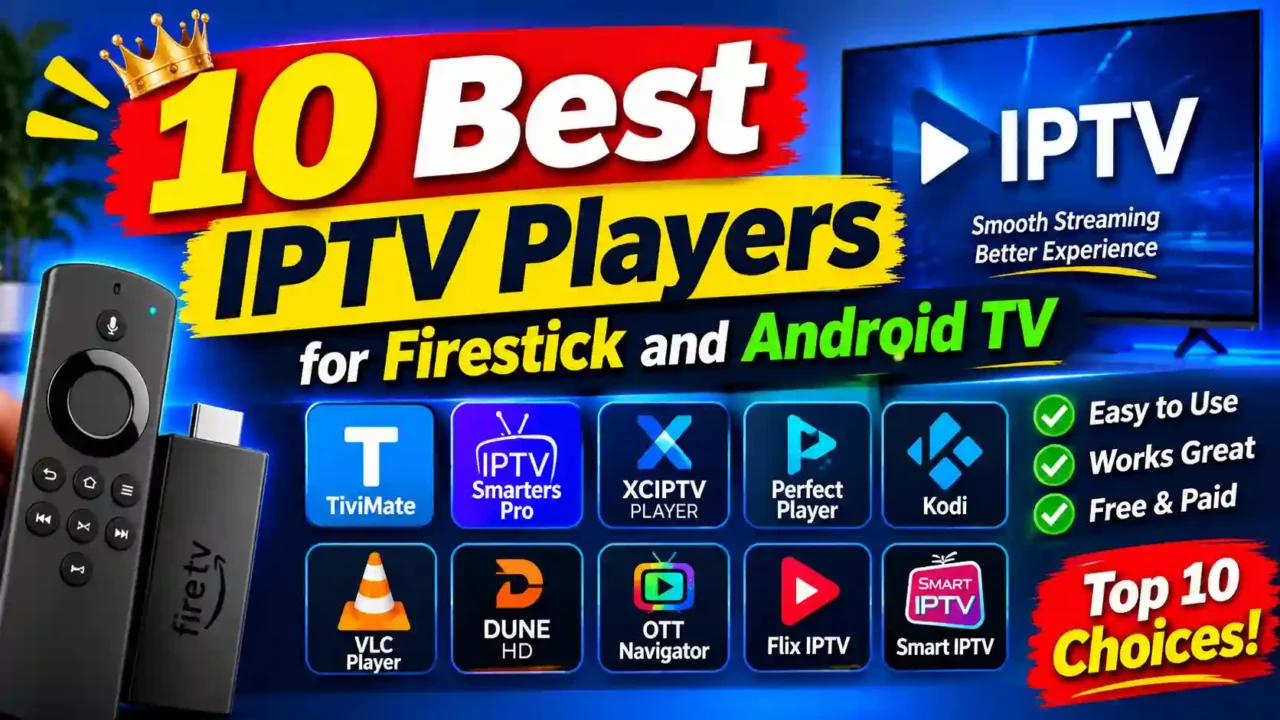
1. TiviMate
TiviMate is the player most reviewers recommend for Firestick and Android TV, and it is our first pick. Its guide looks like a traditional TV schedule, so it feels familiar to people who watch cable or satellite. Channel groups, favourites and sorting options are easy to reach with a remote.
It also handles larger playlists well and gives you control over buffering and decoding. You can read more about the app and its features on the official website.
- Best for: Firestick and Android TV users who want a TV-style guide.
- Strengths: a clear EPG, good remote control, multiple playlist support.
- Things to know: some features, such as extra settings, may need a paid upgrade.
2. IBO Player
IBO Player is a strong second choice. It works on Firestick, Android TV and several other devices, so it is useful if your household uses more than one type of screen. The interface is simple, and it supports EPG and favourites.
Some reviewers note that certain extras, such as the full guide or catch-up, may need a paid licence. Check the current options in the app before you rely on them. The free trial gives you time to test the player on your own device.
- Best for: people who want one app across several devices.
- Strengths: simple layout, wide device support, favourites and parental controls.
- Things to know: the full guide and some features may need a paid licence.
3. IBO Player Pro
IBO Player Pro is the newer version of the same family, and it is our third pick. Its design looks modern, and it switches channels quickly on most mid-range Firestick and Android devices. It supports Xtream Codes and M3U playlists and includes a grid-style EPG.
It also offers multiple profiles, so each person in the house can keep their own favourites. Because it runs on many platforms, it is a good choice if you later add a Samsung or LG Smart TV to your setup.
- Best for: households with several viewers and mixed devices.
- Strengths: modern look, multiple profiles, fast channel switching, grid EPG.
- Things to know: some reviewers say the free version has fewer features, so compare the options first.
4. IPTV Smarters Pro
IPTV Smarters Pro is one of the most widely used players, and it is free to download. It works on Android, Fire TV, Windows, iOS and more, so it suits people who want one app everywhere. It supports Xtream Codes and M3U, and it includes an EPG.
- Best for: beginners and users who want a free, all-round player.
- Strengths: free, works on many platforms, simple setup.
- Things to know: the layout is busier than TV-focused players, and it can feel crowded on a large screen.
5. XCIPTV Player
XCIPTV Player is a popular free option for Fire TV and Android TV. It supports Xtream Codes and M3U, and it is designed for large screens and remote controls. It is a good choice if you want a free player that feels built for the TV.
- Best for: users who want a free TV-focused player.
- Strengths: free, built for the TV, supports common playlist types.
- Things to know: check the current features and updates before you install it.
6. OTT Navigator
OTT Navigator is a power user’s player. It has detailed settings for the guide, the playlist and the buffer. It works well on Android TV, and on Firestick it is usually installed as a side-loaded app. If you enjoy adjusting settings, this one gives you plenty to explore.
- Best for: advanced users who like to fine-tune their setup.
- Strengths: many settings, strong playlist and guide options.
- Things to know: the number of options can feel overwhelming for beginners.
7. Televizo
Televizo works on Firestick, Android TV boxes and mobile phones. That makes it useful if you want the same app on your TV and on your phone. It supports M3U and Xtream Codes, and it has a clean layout.
- Best for: people who use the same app on a TV and a phone.
- Strengths: works across several devices, clean look.
- Things to know: some features may require a paid upgrade.
8. Sparkle TV
Sparkle TV is designed for Android TV and is known for its simple, colourful layout. It supports the common playlist formats and works well with a remote. It is a good option if you want something that looks and feels like a streaming service.
- Best for: Android TV users who like a bright, simple layout.
- Strengths: easy to navigate, attractive design.
- Things to know: check the current pricing and feature list before you install it.
9. iMPlayer
iMPlayer is a long-running player with a free version and a paid version. It runs on Android TV and Firestick, and it offers a range of features for live TV and on-demand content. It is a good middle-ground option if you want more than a basic player.
- Best for: users who want live TV and on-demand content in one app.
- Strengths: long track record, free and paid versions.
- Things to know: some features are only in the paid version.
10. Perfect Player
Perfect Player is a lightweight Android player that uses few system resources. That can help on older Firestick models or budget Android boxes. It supports M3U and Xtream Codes, so it works with most providers.
- Best for: older or low-memory devices.
- Strengths: light on resources, supports common playlist types.
- Things to know: the interface is simpler, so it may lack some newer features.
How to install an IPTV player on Firestick
Most players are not in the Amazon Appstore, so you will install them with the Downloader app. First, open the Firestick settings and allow apps from unknown sources. Next, search for Downloader in the Appstore and install it. Then open Downloader, enter the download link or code that the player’s website gives you, and install the app.
Once the player is installed, open it and enter the login details from your IPTV provider. If you use Xtream Codes, you will usually enter a server address, a username and a password. If you use an M3U link, paste the full link into the player’s playlist option.
How to install an IPTV player on Android TV
Android TV and Google TV boxes can usually download players from the Google Play Store. Search for the player name, select it, and press install. Some players are also available as APK files from their official websites. If you install an APK, check that it comes from a trusted source, and keep the player updated.
Which player should you choose?
For most Firestick and Android TV users, start with TiviMate. It has the most complete TV guide and a clear remote-friendly layout. If you have several devices, try IBO Player or IBO Player Pro. If you want a free option, IPTV Smarters Pro or XCIPTV Player is a good place to begin.
Whatever you choose, test the player on your own device before you commit. Check the guide, change channels a few times, and watch during the evening, when the network is busiest.
Frequently asked questions
What is the best IPTV player for Firestick?
Most reviewers recommend TiviMate for Firestick, because of its guide and its remote control support. IBO Player and IPTV Smarters Pro are also popular choices.
Is there a free IPTV player for Android TV?
Yes. IPTV Smarters Pro and XCIPTV Player are both free to download. Some features in other players may need a paid upgrade.
Do I need a player if my provider has an app?
Some providers offer their own app, and that may be enough. A separate player gives you more control over the guide, the layout and the buffer, which many viewers prefer.
Can I use the same player on Firestick and Android TV?
Yes. Several players, including IBO Player and IPTV Smarters Pro, work on both. Check the device list on the player’s website before you install it.