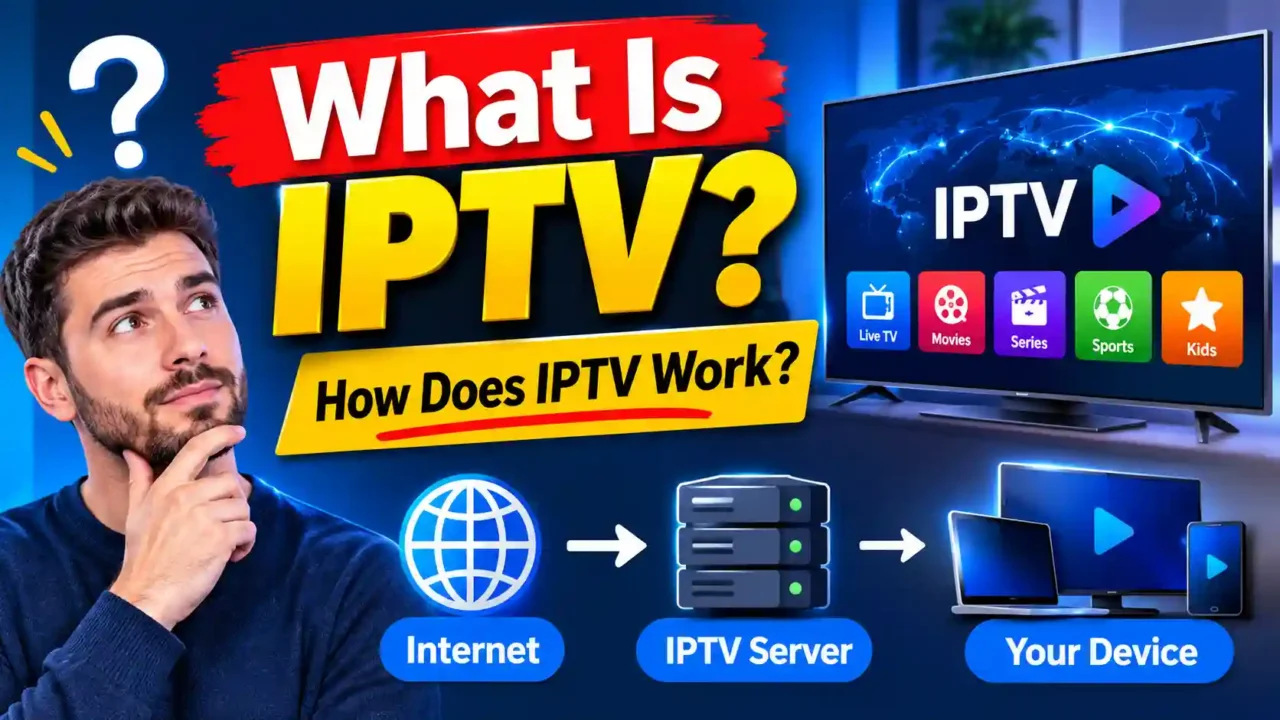
You may have heard the term IPTV on a set-top box, in an advert, or from a friend who says they watch TV through the internet. But what does it actually mean? IPTV stands for Internet Protocol Television. It is a way of delivering TV channels, films and other video over an IP network, rather than through an aerial, a satellite dish or a cable.
This article explains the basics in plain language. You will learn what IPTV is, how a channel reaches your screen, what the main parts of the system do, and how IPTV compares with cable, satellite and streaming apps. We will also cover the question people ask most: is IPTV legal?
What does IPTV mean?
Let us start with the name. Television has always reached homes in one of three ways. Antennas receive radio waves from a transmitter. Satellite dishes receive signals from space. Cable networks carry signals through a physical wire into the house.
IPTV takes a different route. Instead of sending the picture as radio waves or over a dedicated cable, it sends the picture as data packets across an IP network. An IP network is the same kind of network that carries emails and web pages. The television content is simply packaged in the same way.
That is why the word “Internet” appears in the name. However, IPTV does not always mean a connection to the open internet. Many IPTV services run on a private or managed network, which gives the operator more control over quality. Other IPTV services use the public internet. The core idea stays the same: the TV content travels as IP data.
How does IPTV work step by step?
When you change the channel on an IPTV service, a sequence of events takes place in a few seconds. Understanding that sequence makes the technology much easier to grasp.
First, the content is prepared. A provider receives a live feed from a broadcaster, or stores a film or series on its servers. Next, the content is encoded, which means it is compressed into a format that can travel efficiently over the network. Without this step, a single HD channel would need far more bandwidth than most homes have.
Then your request begins. When you select a channel, your device sends a message to the provider’s server asking for that stream. The server checks that you are allowed to watch, and then starts sending the video. Finally, your device, whether it is a set-top box, a smart TV or a streaming stick, decodes the data and displays it on your screen.
Behind the scenes, a piece of software called middleware manages much of this. It keeps the channel list, controls who can access what, and provides the programme guide, which is often called the EPG.
How channels are delivered
There are two main ways IPTV delivers live channels. Each one has a different job on the network.
The first method is multicast. In this approach, one copy of a live channel is sent across the network, and every viewer who wants that channel receives the same copy. This saves bandwidth, because the network does not need a separate stream for each viewer. Multicast is most common on private networks run by telecom companies.
The second method is unicast. Here, the server sends a separate stream to each viewer. This is common for video on demand, where each person chooses a different film at a different time. It is also used by many internet-based services, because it does not depend on special network support.
Your device usually takes care of the details. You do not need to know which method your provider uses. You only notice whether the channel starts quickly and stays smooth.
What you need to watch IPTV at home
For most people, IPTV needs three things. The first is a stable internet connection. A wired connection is usually the most reliable choice, but a good Wi-Fi signal can work well too. The second is a device that can decode the stream. This may be an IPTV set-top box, a smart TV app, or a streaming stick such as a Firestick. The third is a service or subscription that supplies the channels.
The quality you see depends on all three. A fast, steady connection and a capable device give a clean picture. A slow connection or an old device can cause buffering, even if the service itself is excellent.
IPTV compared with cable, satellite and streaming
Many people compare IPTV with other ways of watching TV. Each method has strengths and limits.
Cable TV sends signals through a physical line into your home. It is generally stable, but the channel choice depends on the cable company. Satellite TV receives signals from a dish on your roof. It is widely available, but it can be affected by bad weather in some places.
IPTV sends television over IP. It can offer features that are harder to provide on cable or satellite, such as catch-up programmes, on-demand libraries and a programme guide that works across devices. Its quality depends heavily on the network and the connection in your home.
Then there is OTT, short for “over the top”. OTT services, such as well-known streaming apps, deliver video over the open internet, usually for on-demand content. The difference between IPTV and OTT is often about the network and the type of content. IPTV is typically centred on live channels, while OTT is typically centred on on-demand libraries. In practice, the line between them is not always clear, and some services mix both.
Is IPTV legal?
This is one of the most common questions, and the honest answer is that the technology itself is not illegal. IPTV is a delivery method, like cable or satellite. The legal question depends on the content and the provider.
Television channels, films and series are protected by copyright. A provider that carries them needs the right to distribute them in your country. Services that hold those rights are operating legally. Services that sell channels without those rights are not, and watching them can create problems for you as well as for the seller.
Before you subscribe to any IPTV service, check where its content comes from. Look for clear information about its licences, and be cautious of very low prices that seem too good to be true. The rules differ from one country to another, so it is worth checking the laws that apply where you live.
Common terms you may see
- Set-top box: a small device that connects to your TV and decodes the IPTV signal.
- EPG: the electronic programme guide, which shows what is on now and what is coming next.
- VOD: video on demand, which lets you choose a film or episode whenever you want.
- Middleware: the software that manages channels, access and the guide behind the scenes.
- Bandwidth: the amount of data your connection can carry each second.
Frequently asked questions
Is IPTV the same as internet TV?
Not exactly. Internet TV is a broad term for any television delivered over the internet. IPTV is a specific technology that uses IP networks to deliver television, often on a managed network.
Do I need a special TV to use IPTV?
No. You can use a smart TV, a streaming stick or a set-top box. The device must be able to run an IPTV app or decode the stream.
Why does IPTV sometimes buffer?
Buffering usually comes from a slow or unstable connection, a busy network at peak times, or a device that struggles to decode the stream. Testing your speed and using a wired connection often helps.
Can IPTV work without the internet?
No. IPTV relies on an IP network to deliver the content, so you need a working connection to watch.